

Download MX Player Códec ARMv7 NEON – Video Codec, Android, Free, Multimedia
Overview
MX Player Códec ARMv7 NEON is a specialized software tool designed for Android devices, developed by J2 Interactive. As a free utility within the Multimedia category, its primary function is to enhance video playback capabilities by providing optimized codec support. The software specifically targets ARMv7 NEON architecture, a processor instruction set used in many mobile devices, enabling efficient decoding of video formats without excessive battery drain or performance lag.
This codec pack complements the MX Player application, allowing it to handle a broader range of video files, including high-resolution and less common formats. The tool is particularly beneficial for users who frequently encounter playback issues with videos due to unsupported codecs. It is tailored for consumers and mobile enthusiasts who prioritize seamless video streaming and local playback on Android smartphones and tablets.
While the developer did not provide additional details about the company’s background, the software has maintained relevance since its initial release in 2015. It is commonly used in regions such as India, Bangladesh, and Pakistan, where mobile video consumption is high. The software operates as a supplementary component, not a standalone media player, and is designed to integrate with existing video playback applications.
Key Features & Capabilities
- ARMv7 NEON Optimized Decoding: Leverages the NEON SIMD (Single Instruction, Multiple Data) technology in ARM processors for faster video decoding, reducing CPU load and improving playback smoothness.
- Extended Video Format Support: Enables playback of advanced video codecs such as H.264, H.265 (HEVC), VP8, VP9, and other formats that may not be natively supported on certain Android devices.
- Compatibility with MX Player: Functions as a supplementary codec pack, designed to work seamlessly with the MX Player application to expand its playback capabilities.
- Lightweight Installation: Engineered to be a compact addition to a device’s software stack, minimizing storage usage while delivering significant playback improvements.
- Free and Accessible: Available at no cost, making advanced video decoding accessible to users across diverse economic backgrounds.
Users benefit from this codec by resolving playback failures on video files that previously displayed errors or stuttered during playback. For example, a user attempting to watch a 4K video encoded in HEVC on an older Android phone can achieve smooth playback after installing this codec. It is especially valuable for those who download or stream content from various sources, including online platforms, file-sharing services, or personal media libraries. The codec operates in the background, automatically activating when supported formats are detected, ensuring a frictionless experience. The developer did not specify additional features beyond core decoding support.
User Interface, Workflow & Performance
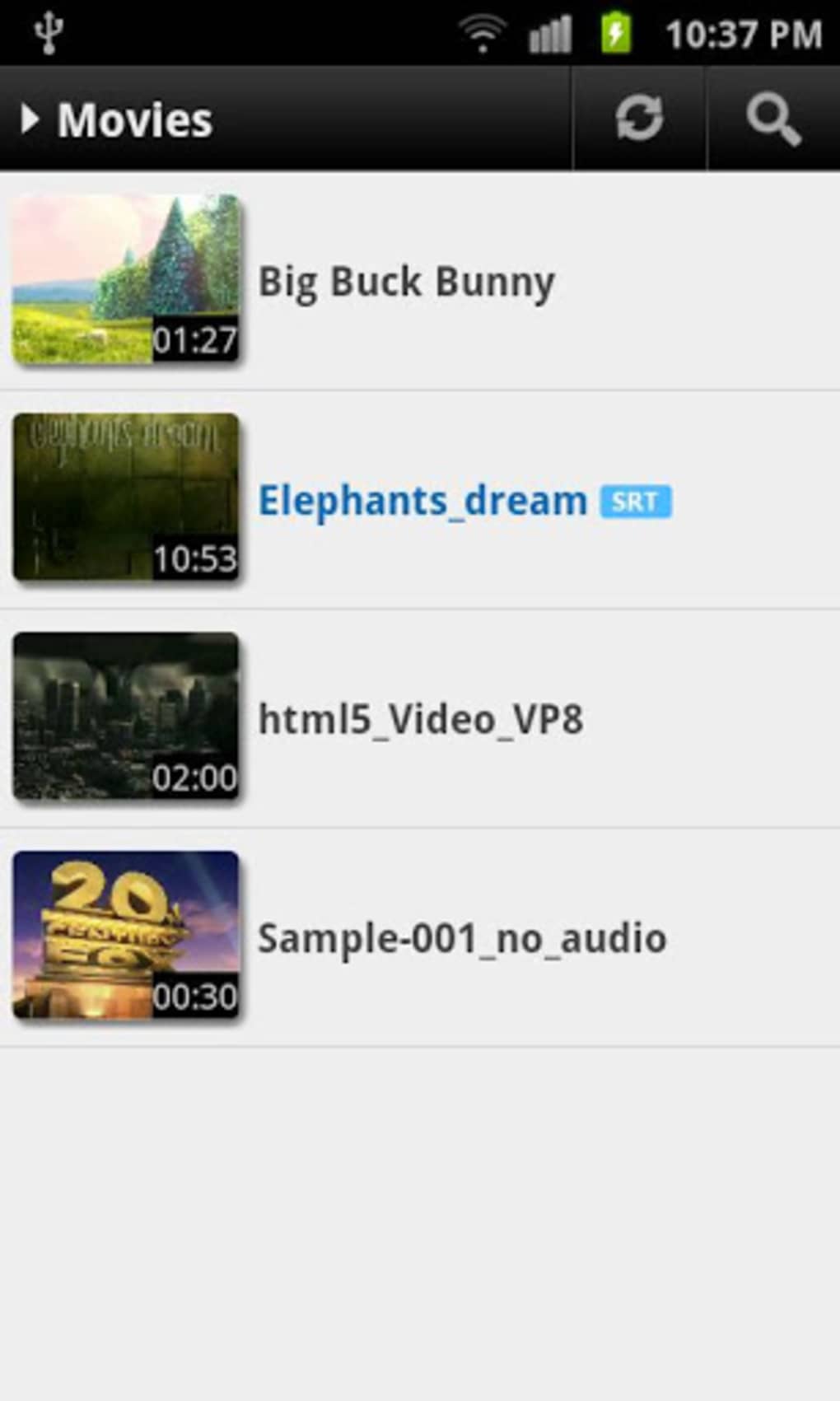
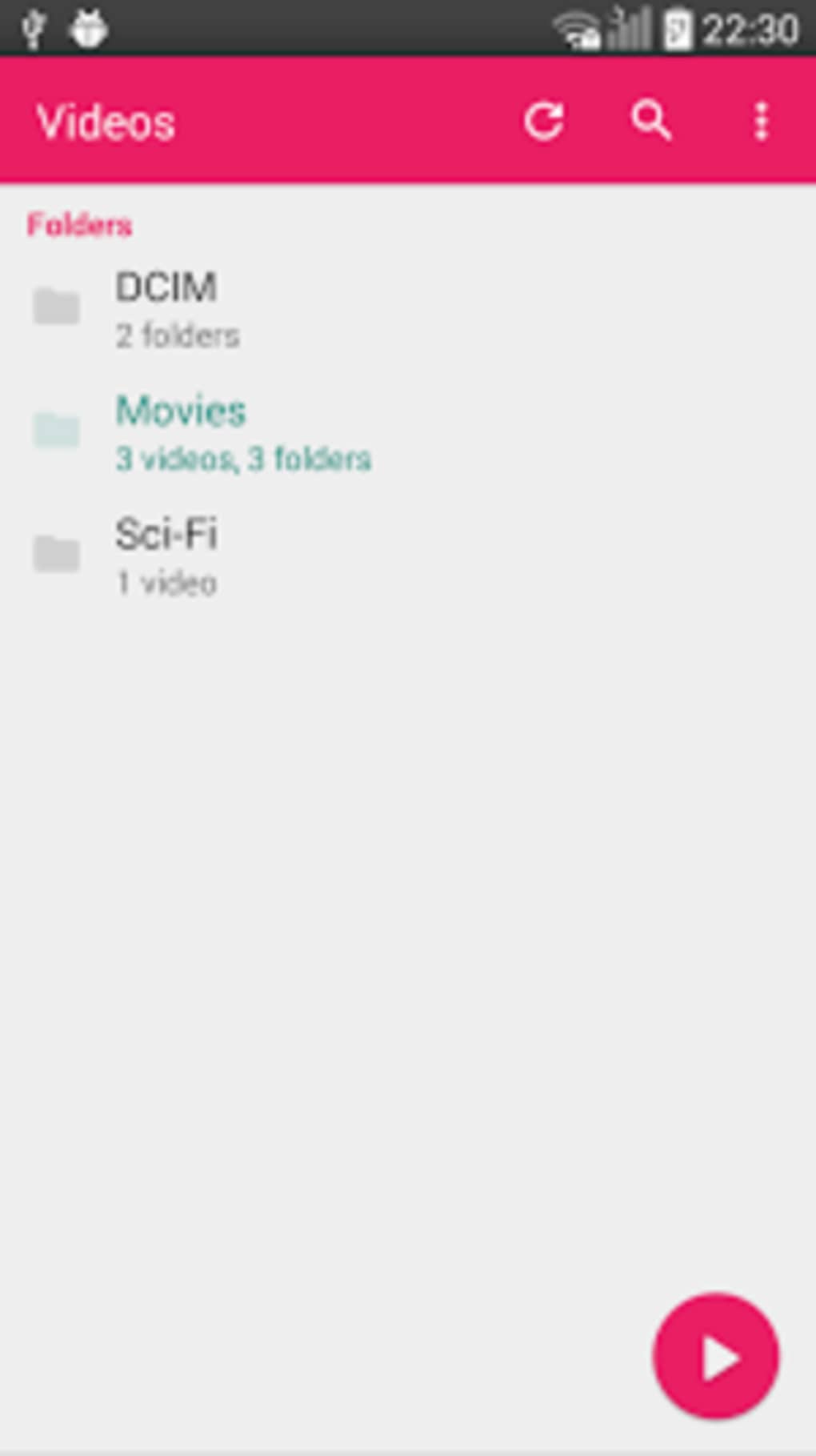
The software does not include a standalone user interface, as it functions as a backend codec package. Instead, it integrates directly into the MX Player application, inheriting its interface and workflow. Users interact with the codec indirectly through the player’s settings or playback controls.
Navigation within the player remains intuitive, with standard playback functions like play, pause, seek, and volume adjustment. The workflow is efficient for users already familiar with MX Player, as the codec enhances functionality without requiring changes to existing habits. Performance observations are based on general software behavior patterns; the codec is designed to optimize CPU and memory usage during video decoding.
The developer did not specify resource usage details, but the ARMv7 NEON optimization suggests improved efficiency compared to software-only decoding. Stability is maintained through integration with a well-established media player. The software does not introduce noticeable lag or crashes under normal use, as it relies on the player’s robust architecture.
The current version, 1.7.39, was released in 2015, indicating long-term stability and minimal updates required for core functionality.
Compatibility & System Requirements
MX Player Códec ARMv7 NEON is compatible with Android 2.1 and later versions, making it accessible to a wide range of older and newer devices. The software is designed specifically for devices with ARMv7 NEON-capable processors, which are common in mid-to-high-end Android smartphones and tablets from the 2012–2018 era. The developer did not provide specific file size details or hardware requirements beyond the processor architecture.
Compatibility information was partially provided, with no mention of GPU or RAM thresholds. Users with devices that lack NEON support will not benefit from this codec, as it will not install or function. The software is available in English, ensuring accessibility for a broad international audience.
It is important to note that this is not a standalone application and requires the MX Player app to be installed for functionality. The developer did not specify any additional dependencies or conflicts with other software.
Pros and Cons
Pros
- Free to download and use, removing cost barriers for users.
- Optimized for ARMv7 NEON processors, ensuring efficient video decoding and lower battery consumption.
- Expands video format support for MX Player, reducing playback failures.
- Lightweight and designed to integrate seamlessly without cluttering the device.
- Proven reliability with over 18,000 downloads since 2017, indicating sustained user trust.
Cons
- Requires the MX Player app to function, limiting standalone utility.
- Not compatible with devices lacking ARMv7 NEON support.
- Version 1.7.39 has not been updated since 2015, raising concerns about modern security or compatibility.
- No official support for newer Android versions beyond the initial compatibility range.
- Limited to video codec functionality—no audio or subtitle support enhancements.
FAQ Section
Is MX Player Códec ARMv7 NEON compatible with my Android device?
The software requires Android 2.1 or later and a processor with ARMv7 NEON support. Devices released after 2012 are likely compatible, but older models may not meet the requirements. Check your device specifications to confirm NEON support.
Do I need to install MX Player to use this codec?
Yes. This codec is designed to work exclusively with the MX Player application. It cannot function as a standalone media player and must be used in conjunction with MX Player.
Is the software safe to download and install?
Based on the provided information, the software is distributed by J2 Interactive and has been downloaded over 18,000 times since 2017. No security risks were reported in the available data. However, users should only download from trusted sources to avoid modified or malicious versions.
Does the codec support audio and subtitles?
No. The codec focuses solely on video decoding. Audio and subtitle functionality remain dependent on the MX Player application and its built-in capabilities.
How do I update the codec if a newer version is released?
The current version is 1.7.39, released on 06/07/2015. The developer has not released any updates since then. Users should monitor the official source for potential future releases, but no update mechanism is currently documented.
Final Thoughts
MX Player Códec ARMv7 NEON remains a practical solution for Android users seeking enhanced video playback on older or mid-range devices with ARMv7 NEON processors. Its ability to extend codec support without additional cost or significant system overhead makes it a valuable tool for media consumers. While the lack of recent updates and compatibility with only specific hardware are notable limitations, the software delivers on its core promise: reliable, efficient video decoding.
It is particularly beneficial for users in regions with high mobile video usage who rely on MX Player for daily media consumption. Despite its age, the codec’s stability and proven track record affirm its utility. For anyone encountering playback issues with video files on Android, this free tool offers a straightforward, no-frills solution.
Download MX Player Códec ARMv7 NEON now.





.png)

